
AI Educational Video Platforms 2026: Independent Research Report
Editorial comparison of HeyGen, X-Pilot, Synthesia, and seven other stacks for course creators, trainers, and L&D buyers who need auditability
Research methodology (read before trusting any rank): X-Pilot editorial applied a five-dimension rubric (weights in Part II) to public pricing pages, help-center documentation, marketing samples, and hands-on trials where accounts or demos were available. We did not scrape or statistically aggregate third-party user reviews, run independent lab benchmarks, or commission blind learner studies—if you need that rigor, hire a neutral evaluator with your content.
§ Executive Summary
Quick Answer: What is the best AI video platform for education in 2026?
It depends on your priority. HeyGen is strong when you need presenter realism and broad translation for outward-facing clips. X-Pilot is built for document-grounded lesson series with programmatic visuals—accuracy still requires your SMEs. Synthesia is a common pick for enterprise security and avatar-led compliance modules. Rankings below are editorial scores from our rubric, not a meta-analysis of community reviews.
The global educational landscape has undergone a significant shift between 2023 and 2026. The initial novelty of "text-to-video" technology: where a static avatar reads a script: has faded, replaced by a rigorous demand for pedagogical integrity, structural editability, and cognitive engagement.
In 2026, the landscape is no longer defined by who can generate the most realistic face, but by who can most effectively visualize knowledge.
This long-form article evaluates ten AI video stacks commonly evaluated for teaching and training workflows. We still note lip-sync quality, but we weight pedagogy fit, visualization, editability, and LMS plumbing higher—because those determine whether a semester-scale curriculum survives contact with reality. Audience: course creators, trainers, and L&D buyers who cannot ship wrong formulas or policy text.
- Lesson-structure alignment (objectives, checks for understanding)
- Factual-risk controls (traceability, QA gates)
- Learning Management System (LMS) Interoperability
- Cost-Per-Learning-Outcome
Key Findings
- The Bifurcation of the Industry: The industry has split into two distinct categories: Generalist Creators (focused on marketing and social media) and Pedagogical Specialists (focused on learning retention and course structure).
- The Rise of Knowledge Visualization: Leading platforms have moved beyond "Avatars" to "Visual Motion." The ability to automatically generate diagrams, flowcharts, and kinetic typography in sync with narration is now the primary differentiator for high-retention educational content.
- The "White Box" shift: Training teams keep rejecting monolithic exports. The stacks that survive procurement reviews expose script, visuals, and timing so SMEs can patch a single fact without re-filming an entire module.
HeyGen
Visual fidelity & global localization leader
X-Pilot.ai
Lesson structure & knowledge visualization
Synthesia
Enterprise compliance & security
This report serves as a strategic guide for University Deans, Corporate L&D Directors, and EdTech Investors navigating the 2026 ecosystem.
PART I The Educational Video Landscape in 2026
1.1 The Evolution from "Content" to "Cognition"
To understand the ranking of tools in 2026, one must first understand the trajectory of the technology. In the early 2020s, the primary value proposition of AI video was Compression of Production Time. A video that took a human team two weeks to film and edit could be generated in minutes. This solved the supply problem of educational content but created a quality problem.
By 2025, many learners pushed back on avatar-only explainers that read polished scripts without showing the underlying model, chart, or procedure. The failure mode is pedagogical: the presenter looks expensive while the explanation stays thin.
In 2026, buyers increasingly ask for cognitive load discipline: fewer minutes of presenter footage, more synchronized visuals tied to the facts in the script, and editability when SMEs disagree. No tool "understands teaching" autonomously—some workflows just make structured review easier than others.
1.2 The "Black Box" vs. "White Box" Conflict
A critical friction point identified in our research is the struggle for control. Early generative AI operated as a "Black Box": the user input a prompt, and the system output a finished video. If the educator wanted to change a specific image at the 0:42 mark or correct a mispronunciation, they often had to regenerate the entire video or use complex external editing software.
The 2026 industry leaders have solved this with "White Box" architectures. These platforms generate a project file, not just a video file. They provide a fully editable timeline where the script, the avatar's gestures, the background B-roll, and the on-screen text are all discrete, manipulatable layers. This level of granularity is non-negotiable for academic institutions where accuracy is paramount.
❌ Black Box Model
- • Prompt → Unchangeable video
- • Full regeneration for changes
- • No granular control
- • Academic risk
✅ White Box Model
- • Editable project file
- • Layer-by-layer control
- • Precision editing
- • Academic accuracy
1.3 The Economic Realities of AI Adoption
The cost structures of 2026 have matured. We observe a clear divergence in pricing models:
The Enterprise Model
(Synthesia, HeyGen)
High per-seat costs, designed for Fortune 500 companies where the alternative is a $50,000 video shoot.
The Creator/Edu Model
(X-Pilot, Elai)
Value-based pricing aimed at independent course creators and small training teams; always verify minute caps, overages, and export rights against your semester plan.
PART II Methodology and Assessment Framework
Our ranking methodology blends qualitative pedagogy judgments with whatever reproducible checks we could run from public information: export formats, editor screenshots, pricing math, and a fixed set of pilot scripts. No secret review corpus. If a vendor disagrees, the correct response is to publish their own rubric—not to cite mystery data.
2.1 The Scoring Matrix
| Dimension | Weight | Description | Key Metrics |
|---|---|---|---|
| Pedagogical Intelligence | 30% | The tool's ability to structure information logically for learning. | Bloom's Taxonomy integration, auto-chunking, quiz generation |
| Knowledge Visualization | 25% | The capability to visualize abstract concepts automatically. | Auto-diagramming, chart fidelity, kinetic typography |
| Control & Editability | 20% | The user's ability to refine the output without regeneration. | Timeline granularity, asset replacement, script-to-scene sync |
| Avatar Fidelity | 15% | The realism and emotional range of the AI presenter. | Lip-sync latency, micro-expressions, voice naturalism |
| Ecosystem Fit | 10% | Integration with existing EdTech infrastructure. | SCORM/xAPI export, PPT import, LMS APIs |
2.2 Why "Pedagogical Intelligence" is Weighted Highest
In a general video tool review, visual quality would be paramount. However, in education, a visually stunning video that fails to transfer knowledge is a failure. We prioritized tools that demonstrate an "understanding" of teaching: tools that don't just visualize a script, but structure a lesson.
This shift in weighting is responsible for the rise of specialized tools like X-Pilot.ai over more famous generalist platforms in our 2026 ranking.
PART III The Top 10 AI Educational Video Tools (2026)
1. HeyGen
The Industry Standard for Visual Realism and Localization
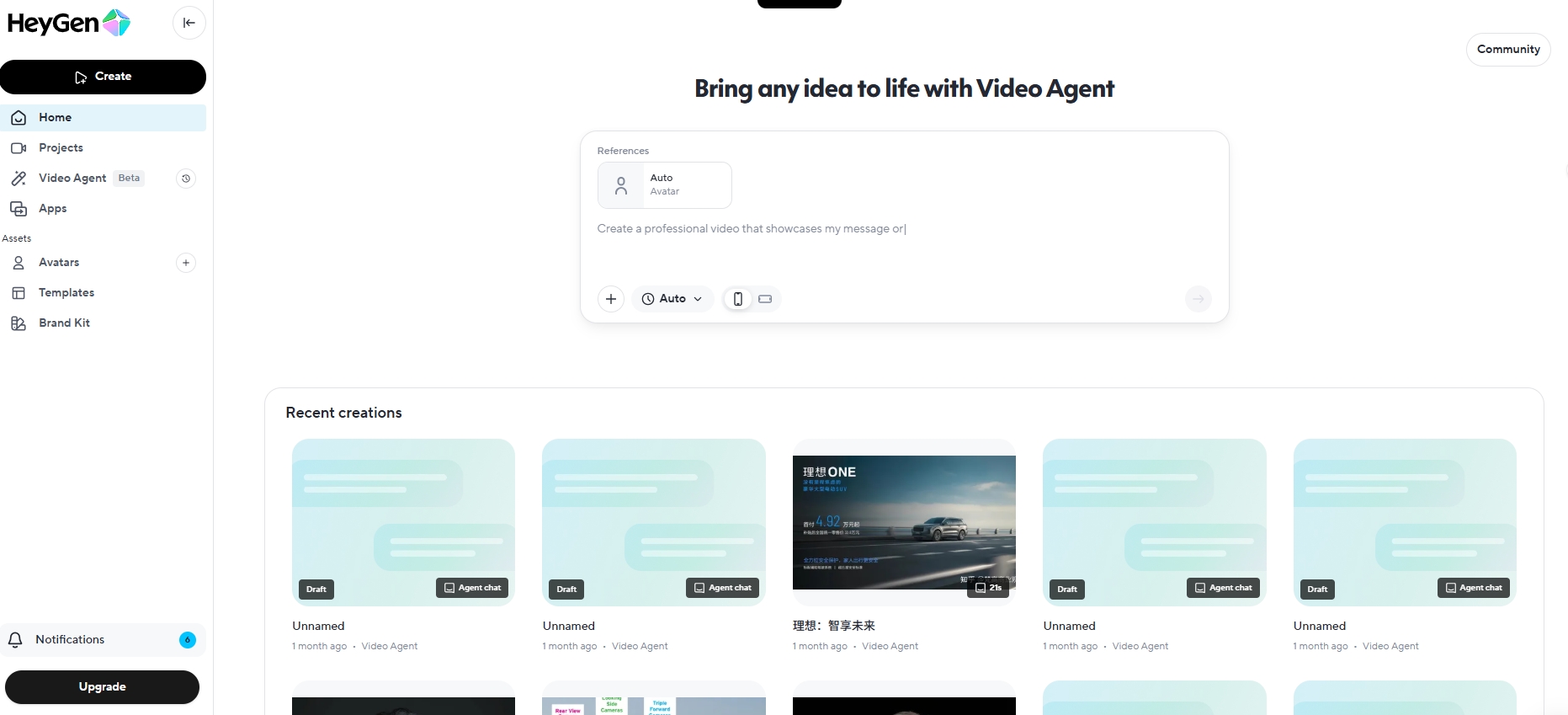
Position: Industry Leader (Generalist/High-End)
Best Use Case: University Admissions Marketing, High-Profile Keynote Simulations, Multi-Language Global Campuses
HeyGen retains the #1 position in 2026 by virtue of its sheer technical dominance in the realm of visual fidelity. While it started as a generalist marketing tool, its adoption by major universities for "Presidential Addresses" and "Alumni Outreach" has cemented its status as the premium choice for high-stakes video communication.
The "Hollywood" Standard of Avatars
HeyGen's avatars are widely considered the benchmark for the industry. By 2026, they have eliminated nearly all artifacts of AI generation. The "jitter" around the mouth, the "dead eyes" stare, and the robotic head movements have been replaced by fluid, dynamic motion that includes natural pauses, breathing, and reactive micro-expressions.
Video Translate: The Globalization Engine
The most significant feature for many buyers remains Video Translate: record once, branch audio and lip-sync into additional languages when the product version you license supports it. Treat vendor demos as aspirational until you run your own legal/compliance review on translated policy text.
Impact: When translations are accurate enough for your risk profile, localized presenter clips can reduce duplicate studio days—just do not confuse localization with automatic curriculum QA.
The "Style Over Substance" Limitation
Despite its visual dominance, HeyGen is often criticized by learning teams for being thin on automatic lesson scaffolding: you still supply structure, checks for understanding, and accurate visuals for technical subjects.
✅ Pros
- • Unmatched visual realism (4K/60fps)
- • Industry-leading translation with lip-sync
- • Strong API for enterprise integrations
- • SCORM export capabilities
❌ Cons
- • Most expensive option for high-volume generation
- • Limited native lesson-blueprint tooling compared with syllabus-first stacks
- • No auto-generated visual aids for complex concepts
2. X-Pilot.ai
The Pedagogical Specialist for Course Creation & Knowledge Visualization
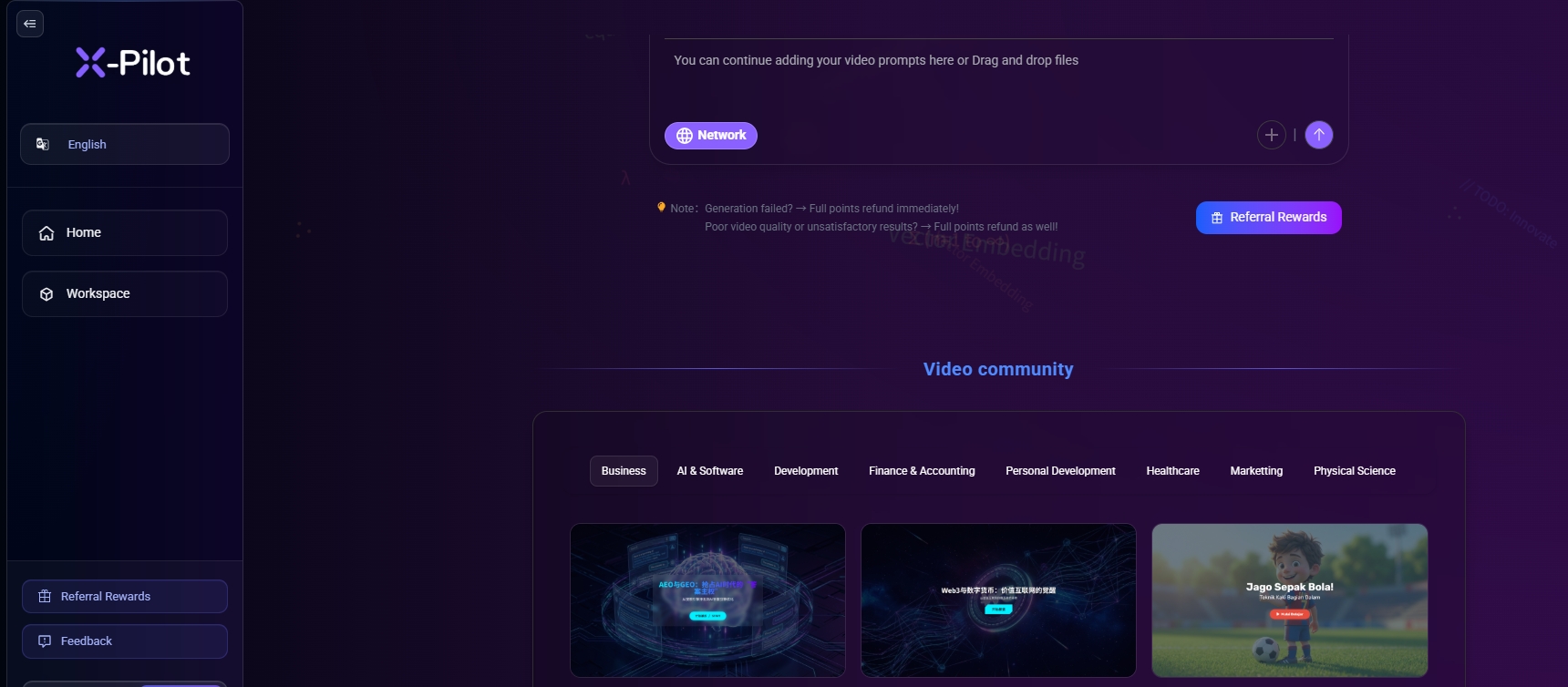
Position: The Education-First Challenger
Best Use Case: Multi-lesson technical series, certification prep, and SOP video where visuals must track source documents—not generic presenter monologues
X-Pilot.ai sits #2 in this rubric because it optimizes for document-grounded lesson video with programmatic visuals—not for cinematic presenter shots. It reduces the distance between what your PDF says and what appears on screen, while keeping layers editable for SMEs. It is not magic: sloppy inputs still fail review.
The "Knowledge Visualization Engine" (KVE)
The single biggest failure point of AI video in education is the "Visual Disconnect": the avatar talks about "The Krebs Cycle," but the background is a generic stock video of people in lab coats. X-Pilot.ai has solved this with its proprietary Visual Motion Box technology.
Mechanism:
When you supply structured text or documents, X-Pilot maps facts into flowcharts, equations, data charts, and kinetic text rendered through programmatic scenes (Remotion-class pipelines) instead of stock B-roll. Presenter avatars are not the pedagogical centerpiece—clarity of the underlying model is.
Pedagogical Impact:
This dual-coding approach (Verbal + Visual) aligns perfectly with Mayer's Principles of Multimedia Learning. It reduces cognitive load by externalizing the mental model onto the screen.
Structural Integrity: Bloom's Taxonomy Built-In
Unlike competitors that treat a video as a linear stream of text, X-Pilot structures content. Its generation algorithms are trained on Bloom's Taxonomy. When generating a course from a prompt (e.g., "Teach Python Programming"), X-Pilot automatically scaffolds the video into logical segments:
- Introduction (Hook/Objective)
- Explanation (The Concept)
- Visualization (The Motion Box)
- Application (Example/Case Study)
- Assessment (Quiz/Summary)
This scaffolding saves storyboarding time on first drafts; SMEs must still approve objectives, difficulty, and any high-stakes fact.
For K-12 classroom teachers and IGCSE / IB / AP / A-Level tutors, X-Pilot ships a dedicated free entry point with the same Bloom's-aligned scaffolding: the free AI educational video generator for teachers (no credit card).
Information fidelity (no fairy-tale guarantees)
Generative stacks sometimes invent plausible numbers. X-Pilot is designed so your supplied script or table remains the source of truth for rendered charts and formulas, with text-level editing when something drifts. That is risk reduction, not a certificate of perfection—run your own QA gates on medical, legal, or financial content.
Workflow: The "White Box" Natural Language Editor
X-Pilot rejects the "Black Box" model. It offers a Natural Language Video Editor where users can command changes in plain English (e.g., "Make this slide blue," "Change the chart to a bar graph") while retaining a fully editable timeline. Crucially, it supports exporting content not just as MP4, but as PPT and PDF, creating a cohesive ecosystem of learning materials.
Pricing and accessibility
Tiers, minute caps, and export rights change. Use the live pricing page rather than any static blog table.
✅ Pros
- • Best-in-Class Knowledge Visualization: Auto-generated charts/diagrams
- • Pedagogical Structure: Built-in Bloom's Taxonomy
- • Data fidelity: Script-grounded rendering with explicit edit paths
- • Format Flexibility: Exports to Video, PPT, and PDF
- • Value: Competitive creator tiers versus enterprise-only stacks (verify current numbers)
❌ Cons
- • Avatar library is smaller than Synthesia's
- • Focus on structured learning makes it less suitable for purely cinematic marketing videos
3. Synthesia
The Enterprise Standard for Corporate Compliance & Security

Best Use Case: Fortune 500 L&D, Cyber-Security Training, Large-Scale Compliance Modules
Synthesia remains the revenue leader in the space, driven by its massive enterprise footprint. For large organizations where data security, Single Sign-On (SSO), and role-based access control are more important than creative flair, Synthesia is the default choice.
Key Strengths
- "Google Docs for Video" collaborative workflow
- 160+ stock avatars with widest demographic representation
- SOC-2 Compliant enterprise-ready security
✅ Pros
- • Enterprise-grade security (SOC-2)
- • Best team collaboration tools
- • Massive, diverse avatar library
❌ Cons
- • Expensive pricing for advanced features
- • Lower visual engagement vs. X-Pilot
- • Avatars can feel "stiff"
4. Colossyan
The Scenario-Based Learning Specialist
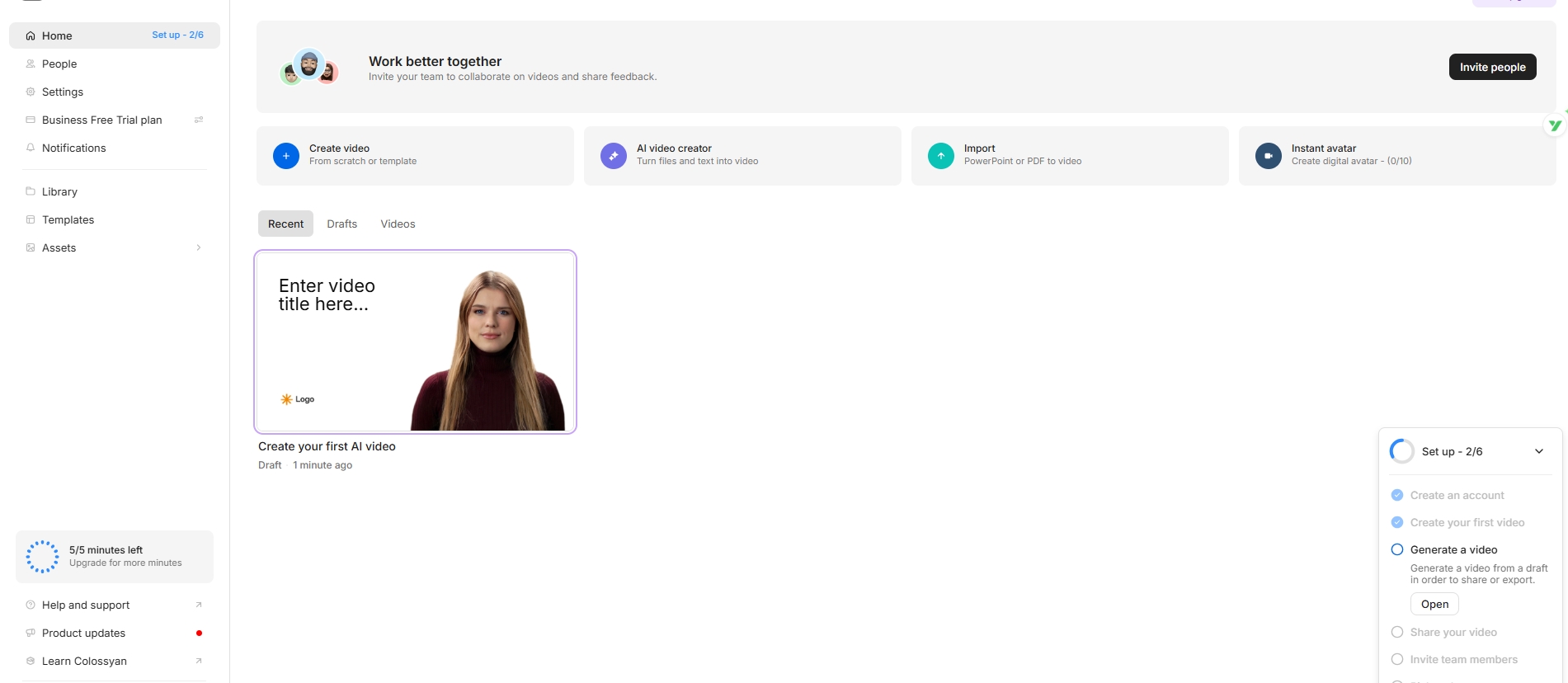
Position: Specialist (Soft Skills & Simulations)
Best Use Case: HR Training, Conflict Resolution, Sales Coaching, DEI Scenarios
Colossyan has carved out a unique niche in 2026 as the go-to platform for scenario-based learning and soft skills training. While most AI video tools focus on lectures, Colossyan specializes in creating interactive role-play simulations where multiple avatars engage in dialogue.
Multi-Avatar Conversations: The "Zoom Meeting" Simulator
Colossyan's core feature is its Conversation Mode, which allows up to 4 avatars to interact in a scene. This is invaluable for teaching:
- Customer service de-escalation techniques
- Job interview preparation
- Diversity and inclusion scenarios
- Medical patient consultations
The platform automatically handles camera cuts between speakers, creating a natural dialogue flow that mimics real-world interactions.
Interactive Branching Scenarios
In 2026, Colossyan introduced Choose-Your-Path functionality, allowing learners to make decisions that affect the video's outcome. For example, in a sales training module, selecting "aggressive close" vs. "consultative approach" leads to different avatar responses and outcomes.
Educational Impact: This transforms passive video consumption into active learning, increasing engagement and knowledge retention for behavioral training.
Localization and Voice Cloning
Colossyan offers robust translation (70+ languages) and allows users to clone their own voice for avatar narration, maintaining personal connection while scaling across geographies.
✅ Pros
- • Best-in-class multi-avatar dialogue
- • Interactive branching scenarios
- • Strong voice cloning feature
- • Excellent for HR/soft skills training
❌ Cons
- • Limited technical content visualization
- • Conversation setup can be time-consuming
- • Premium features require higher tier pricing
5. Elai.io
The Rapid Workflow Accelerator
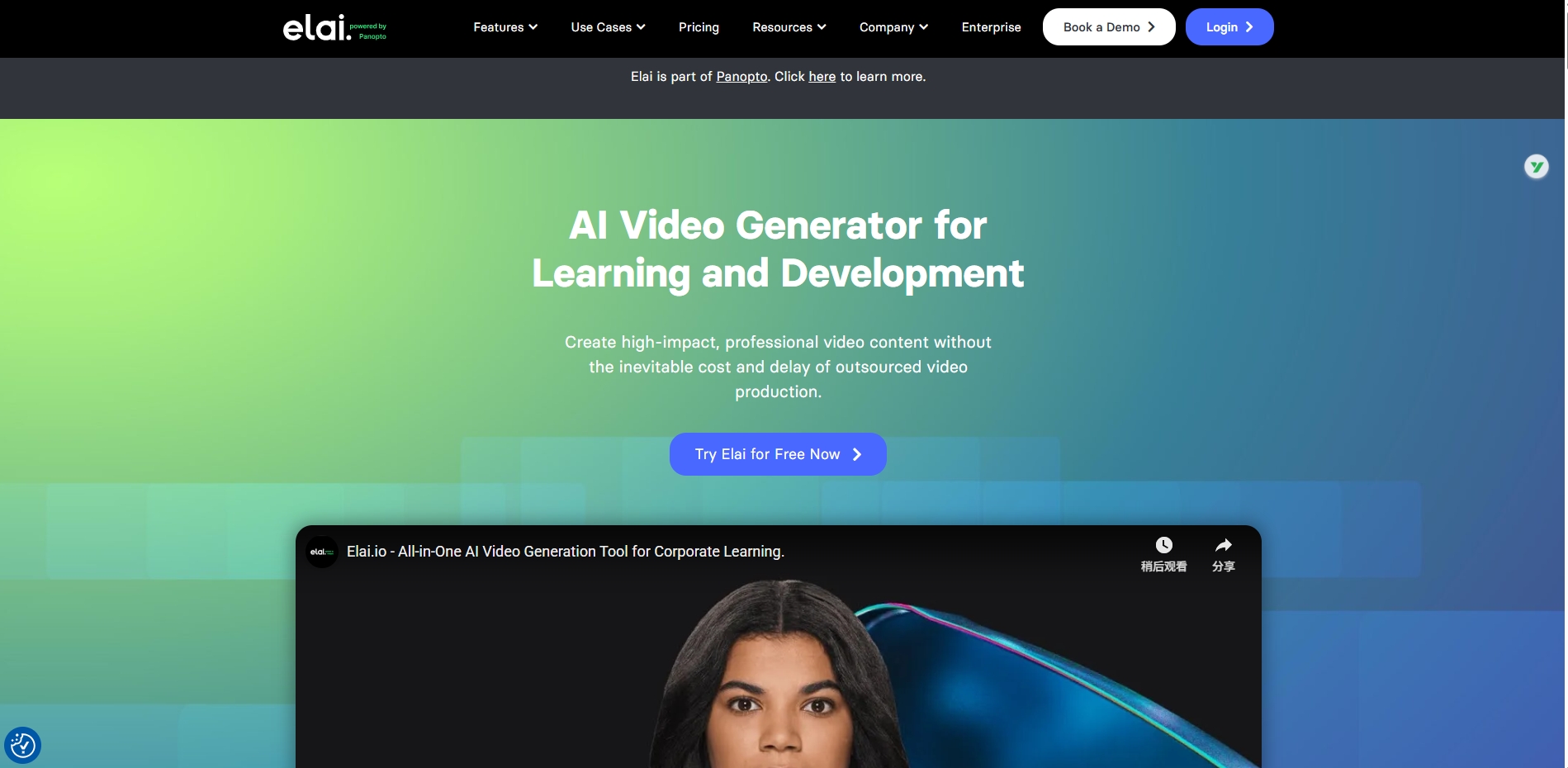
Position: Specialist (Content Conversion)
Best Use Case: PowerPoint-to-Video, Blog-to-Video, Rapid Course Updates
Elai.io has positioned itself as the "fastest path from existing content to video" in 2026. Its core strength lies in automated content conversion, making it ideal for organizations with large libraries of PowerPoint decks, PDFs, or blog posts that need to be transformed into video format quickly.
PowerPoint-to-Video Engine
Elai's one-click PPT import is considered the industry's most sophisticated. It:
- Automatically extracts slide notes as narration script
- Converts bullet points into timed animations
- Generates avatar overlays that don't obscure slide content
- Maintains original branding, fonts, and colors
For universities and corporations with decades of legacy training materials, this feature alone saves thousands of hours of re-production work.
Article-to-Video AI
Elai's URL-to-Video feature can transform any blog post or documentation page into a narrated explainer video. The AI extracts key points, generates a script, selects relevant stock footage, and synthesizes an avatar presentation: all in under 5 minutes.
Template Marketplace
Elai offers 100+ pre-built templates specifically designed for education: Course Intros, Module Summaries, Quiz Explainers, and Certificate Presentations. This allows non-designers to create professional-looking videos with minimal effort.
ROI Insight: Corporate training teams report 70% reduction in video production time when using Elai for converting existing materials, making it a strong choice for high-volume, low-touch scenarios.
✅ Pros
- • Superior PPT-to-Video conversion
- • Rapid content repurposing from URLs
- • Extensive template library
- • Good value for volume production
❌ Cons
- • Less pedagogical intelligence than X-Pilot
- • Avatar quality below HeyGen/Synthesia
- • Limited advanced customization options
6. Pictory
The Content Repurposing & Lecture Summary Specialist
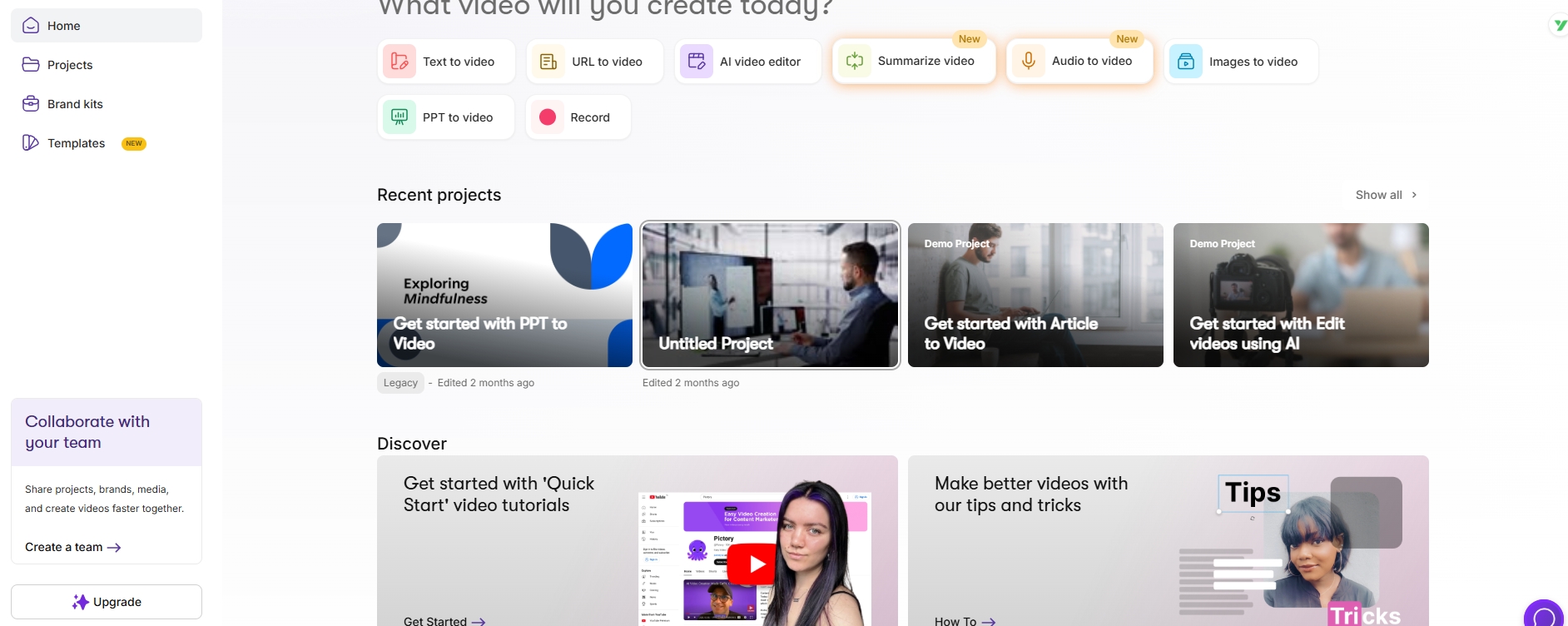
Position: Specialist (Faceless Video & Summarization)
Best Use Case: Lecture Summaries, YouTube Educational Channels, Podcast-to-Video
Pictory distinguishes itself as the leader in "faceless" educational video, focusing on text-driven content with stock footage, captions, and voiceover rather than avatar presenters. This makes it ideal for course teams who prefer stock-and-caption storytelling over synthetic presenters.
Automatic Lecture Summarization
Pictory's standout feature for education is its Video Summarizer. Upload a 60-minute lecture recording, and Pictory's AI:
- Transcribes the audio
- Identifies key concepts and quotes
- Generates a 5-minute highlight reel
- Adds captions and b-roll footage
This is invaluable for creating study guides, course previews, or social media teasers from existing lecture content.
Script-to-Stock-Footage Automation
For text-based courses, Pictory automatically matches script keywords to relevant stock video clips from its library of 3+ million assets. The AI understands context: when you write "photosynthesis," it selects footage of plants and sunlight, not generic science imagery.
Caption Accuracy and Accessibility
Pictory generates highly accurate, word-level captions that are fully editable. This makes it a strong choice for creating accessible content that complies with ADA and WCAG standards: a critical requirement for higher education institutions.
Use Case: Pictory is widely adopted by educational YouTube creators and MOOC platforms for creating course trailers and weekly recap videos without requiring on-camera presence.
✅ Pros
- • Excellent lecture summarization AI
- • Massive stock footage library
- • Superior caption accuracy
- • No need for on-camera talent
❌ Cons
- • No avatar/human presenter option
- • Generic stock footage can feel impersonal
- • Limited control over visual storytelling
7. Vyond
The 2D Animation Specialist with AI Assist
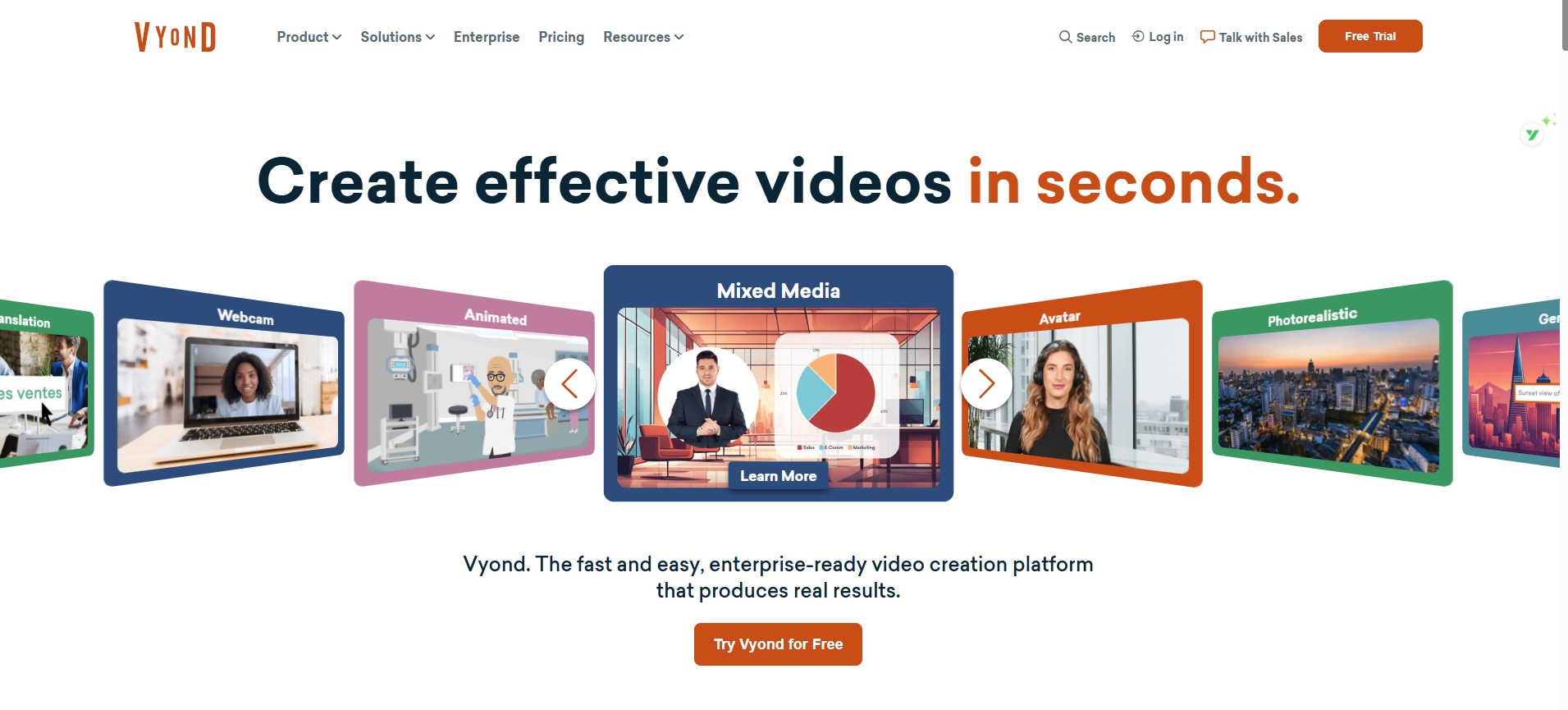
Position: Specialist (Animated Explainers)
Best Use Case: K-12 Education, Medical Training, Sensitive Topics (DEI, Mental Health)
Vyond has been a leader in 2D animated video since long before the AI boom. In 2026, its integration of AI through "Vyond Go" has made it a compelling hybrid option for training creatives who want character animation without full manual keyframing.
Why Animation for Education?
Animated characters offer significant advantages over photorealistic avatars for certain educational contexts:
- Neutrality: Animated characters avoid unconscious bias related to age, race, or appearance
- Simplification: Abstract concepts (like "economic systems") are easier to visualize with metaphorical characters than realistic humans
- Engagement: K-12 students often respond better to animated content than corporate-style avatars
Vyond Go: Text-to-Animation
Vyond's 2025 release of Vyond Go brought AI-generated storyboards. Users input a script, and the AI suggests:
- Character types and actions
- Scene compositions
- Prop placements
- Camera angles
While not fully automated (users still fine-tune), it dramatically reduces the learning curve for non-animators.
Medical and Sensitivity Applications
Medical schools and healthcare organizations use Vyond for patient education videos on sensitive topics (cancer diagnosis, mental health) where realistic imagery might be distressing. The animated approach provides clarity without emotional overwhelm.
Adoption: Vyond is the tool of choice for 65% of Fortune 500 companies' compliance training and has strong penetration in K-12 school districts.
✅ Pros
- • Best animated video platform
- • AI-assisted storyboarding (Vyond Go)
- • Culturally neutral character design
- • Excellent for K-12 and sensitive topics
❌ Cons
- • Steeper learning curve than avatar tools
- • Higher production time per minute
- • Premium pricing ($299-999/year)
8. D-ID
The Speaking Portrait & API Provider
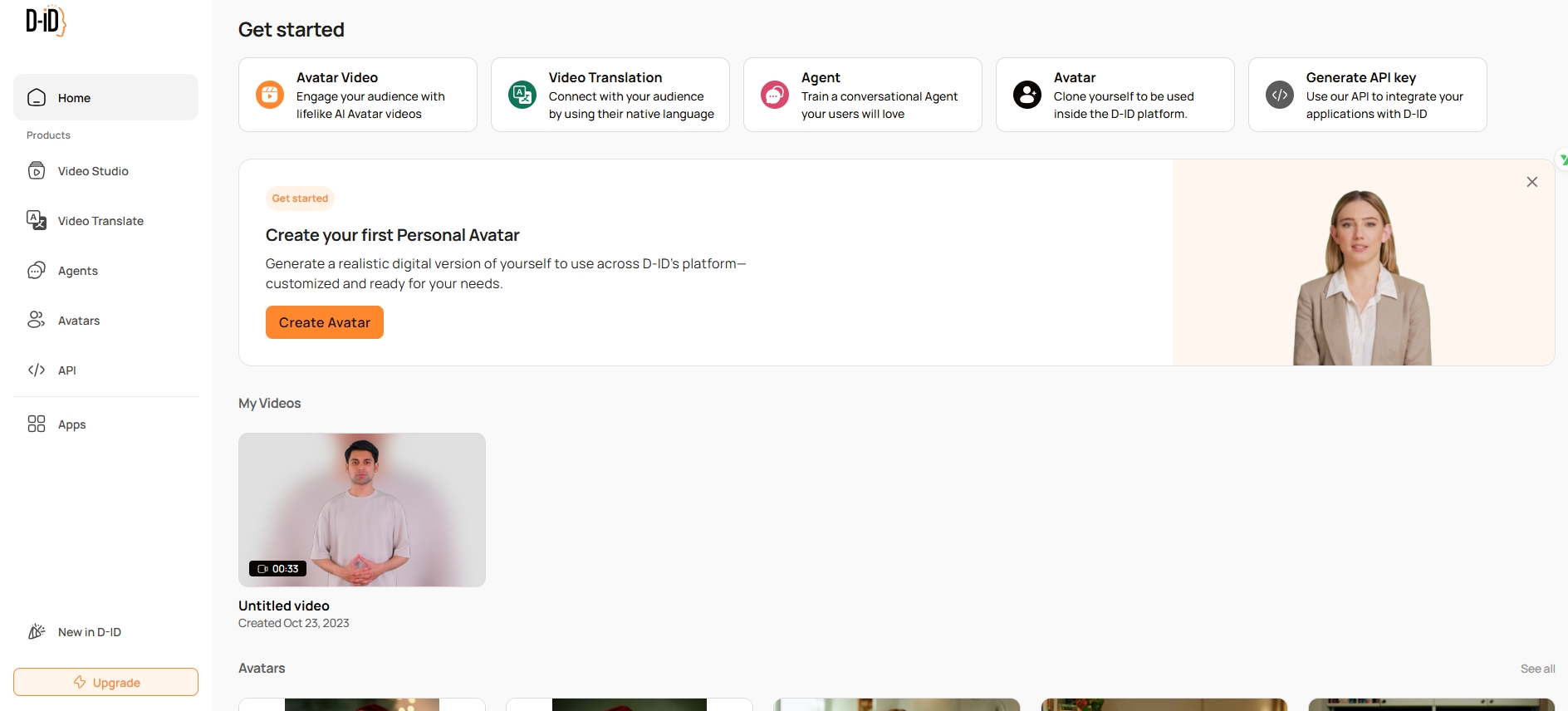
Position: Specialist (Historical Figures & Developer Platform)
Best Use Case: History Education, Language Learning Apps, Mobile Integration
D-ID pioneered the "Speaking Portrait" technology: animating static photos to deliver narration. While newer platforms have surpassed it in full-body avatar realism, D-ID remains the leader for historical figure resurrection and API-first development.
Bringing History to Life
History teachers can upload a portrait of Abraham Lincoln, Marie Curie, or Confucius, and D-ID will animate it to speak a script in a contextually appropriate voice. This creates powerful educational moments:
- "First-person" historical narratives
- Animated museum exhibits
- Language learning with native historical speakers
Developer-First Platform
D-ID's robust API makes it a favorite for EdTech developers building custom learning apps. Language learning platforms like Duolingo-style competitors use D-ID to generate conversational avatars on-the-fly within mobile apps.
Creative Studio Updates
In 2026, D-ID's Creative Studio (its web interface) has improved, offering PowerPoint integration and basic templates. However, it still lags behind competitors in production-grade features, making it more suitable for quick prototypes than polished courses.
Innovation: D-ID's "Live Portrait" technology allows real-time avatar interaction, enabling use cases like virtual tutors that respond to student questions via webcam.
✅ Pros
- • Best "speaking portrait" tech for historical figures
- • Excellent API for developers
- • Real-time avatar interaction capability
- • Affordable pricing for API usage
❌ Cons
- • Limited full-body avatar options
- • Creative Studio less polished than competitors
- • Not ideal for high-volume course production
9. Descript
The AI-Powered Editor for Teacher-Recorded Content

Position: Specialist (Post-Production & Enhancement)
Best Use Case: Hybrid Courses, Podcasting, Teacher-Recorded Lecture Enhancement
Descript occupies a unique position in 2026 as a hybrid tool: it's not purely AI-generated video, but rather an AI-enhanced editor for real recordings. This makes it the preferred choice for trainers who record themselves and want transcript-first editing.
Text-Based Video Editing
Descript's text-based interface allows users to edit video by editing the transcript. Delete a sentence in the text, and the corresponding video segment disappears. This "edit video like a doc" paradigm often cuts rough-cut time materially—measure it on your own avatar backlog instead of trusting a headline percentage.
Overdub: AI Voice Cloning for Corrections
The Overdub feature allows teachers to correct mistakes without re-recording. If you mispronounced "Pythagorean" in minute 12, simply type the correction in the transcript, and Descript's voice clone will replace the audio: matched to your voice.
Real-World Use: University professors use Overdub to update lecture recordings with current data (e.g., changing "2023 statistics" to "2026 statistics") without re-shooting entire lectures.
Studio Sound & Eye Contact AI
Descript's Studio Sound uses AI to clean up audio recorded in noisy classrooms, making it sound like a professional studio recording. The Eye Contact feature adjusts the speaker's gaze to look directly at the camera, even when reading from notes.
Screen Recording for Software Training
Descript includes robust screen recording capabilities, making it ideal for creating software tutorials, coding courses, or data analysis demonstrations: all editable through the text-based interface.
✅ Pros
- • Text-based editing workflow
- • Excellent voice cloning (Overdub)
- • Studio-quality audio enhancement
- • Great for authentic teacher presence
❌ Cons
- • Not a true "generative AI" tool
- • Requires original recording
- • Learning curve for advanced features
10. InVideo AI
The Social Learning & Rapid Explainer Specialist
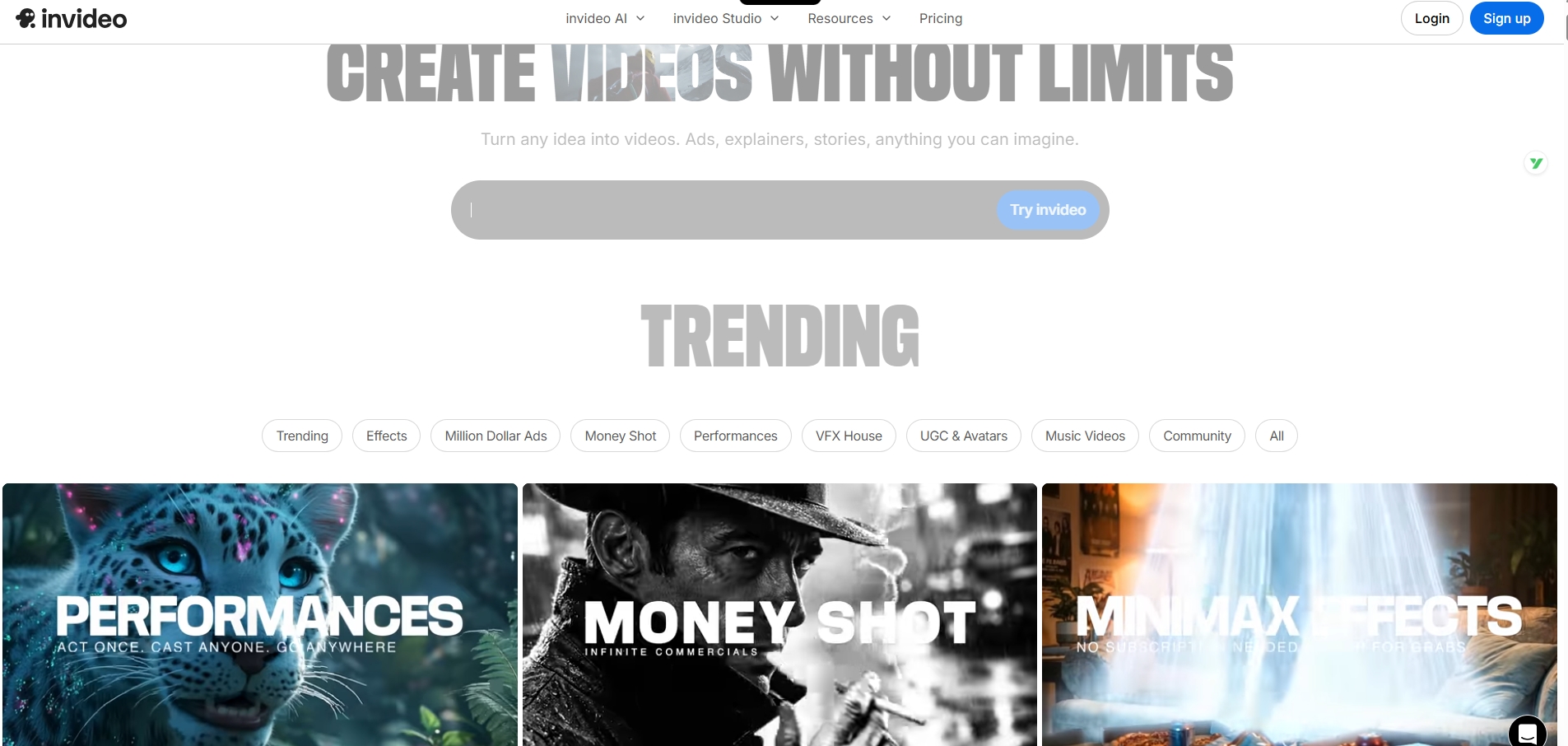
Position: Specialist (Informal Learning & Social Media)
Best Use Case: YouTube learning channels, TikTok explainers, quick concept clips
InVideo AI rounds out our top 10 as the fastest prompt-to-publish platform for informal educational content. It's designed for the era of social media learning, where speed and virality matter as much as pedagogical rigor.
Prompt-to-Video in Under 5 Minutes
InVideo AI's core proposition is maximum speed. Input a simple prompt like "Explain blockchain in 60 seconds for beginners," and the AI:
- Generates a script
- Selects stock footage and music
- Adds captions and transitions
- Produces a ready-to-publish short video
This entire process can take only a few minutes per clip, which suits daily short-form publishing on Instagram Reels or YouTube Shorts when you accept lighter QA.
Social Media Optimization
InVideo automatically formats videos for different platforms (9:16 vertical for TikTok, 16:9 for YouTube, 1:1 square for Instagram) and includes trending music, captions, and hooks designed to maximize engagement and watch time.
The "Informal Learning" Shift
While not suitable for formal university courses, InVideo AI excels in the microlearning space. Educational creators on YouTube and TikTok with millions of followers use it to produce daily "Did You Know?" science facts, history tidbits, and language tips.
Educational Trend: By 2026, over 60% of Gen Z learners report using TikTok and YouTube as primary learning sources. InVideo AI serves this "edutainment" segment.
Limitations for Formal Education
InVideo AI lacks the pedagogical intelligence and knowledge visualization features needed for complex technical education. It's designed for breadth (many quick videos) rather than depth (comprehensive course modules).
✅ Pros
- • Fastest prompt-to-video generation
- • Optimized for social media formats
- • Trending music and caption styles
- • Very affordable ($20-60/month)
❌ Cons
- • Not suitable for formal courses
- • Limited customization depth
- • Generic stock footage aesthetic
- • No pedagogical structure features
PART IV Deep Dive Analysis: The X-Pilot Advantage
To understand why X-Pilot.ai ranks so highly (#2) despite being a newer entrant than Synthesia, we must analyze the specific needs of the 2026 educator.
4.1 The Hallucination Problem in Education
In 2024-2025, several high-profile incidents involved AI educational videos inventing historical facts, leading to a crackdown on "Generative Hallucinations" in schools. Generalist tools prioritize plausibility (does it look real?) over truth (is it accurate?).
X-Pilot's Solution:
By constraining visuals to structured inputs, X-Pilot aims to keep on-screen numbers aligned with the script you approved—still subject to SME review for domain-specific edge cases (unit conversions, outdated regulations, hand-drawn scans).
4.2 Cognitive Load and Visual Motion Boxes
Cognitive Load Theory posits that learners have limited working memory. A static avatar eventually becomes "visual noise." X-Pilot's Visual Motion Boxes automatically parse the script to identify key concepts and generate corresponding visual aids: diagrams, bullet points, flowcharts: that appear in sync with the narration.
Impact: This moves the student from "Passive Listening" to "Active Processing," significantly increasing retention rates.
4.3 The "Creator" vs. "Enterprise" Pricing Gap
Synthesia and HeyGen have moved upmarket, with meaningful features often costing $1,000+/year. X-Pilot's pricing is aggressively positioned for the individual creator and school, allowing a single Biology teacher to fund the tool out-of-pocket or via a small department grant.
PART V Comparative Analysis
5.1 Feature Comparison Matrix
| Feature | X-Pilot.ai | HeyGen | Synthesia | Colossyan | Elai.io |
|---|---|---|---|---|---|
| Primary Focus | Education/Knowledge | Marketing/Realism | Enterprise L&D | Scenario Training | Interactive Video |
| Pedagogical Logic | High (Bloom's) | Low | Medium | High | Medium |
| Visual Aids | Auto-Diagrams | Stock/Generative | Stock | Stock | Stock |
| Avatar Realism | High | Ultra-High | High | High | Medium |
| SCORM Export | Yes (via export) | Yes | Yes | Yes | No |
| PPT Import | Editable | Image-based | Image-based | PDF-based | Editable |
| Pricing (Entry) | $19/mo | $29/mo | $22/mo (Limited) | $27/mo | $23/mo |
5.2 Time Efficiency Comparison
Time to Create a 10-Minute Course Module
*Based on creating a 10-minute technical course module from scratch
PART VI Future Trends & Strategic Recommendations
6.1 The rise of agentic course operations
By late 2026 and into 2027, tools will move from "Generators" to "Agents." An educator will upload a textbook PDF, and the AI will generate a full semester's curriculum: syllabus, video lectures, quizzes, and grading rubrics, all mapped to learning standards.
6.2 Metadata and Discoverability
As educational institutions increasingly compete for student attention, rich metadata becomes critical. Platforms that automatically generate transcripts, summaries, and chapter markers enable better organization and accessibility of learning content across institutional repositories and learning management systems.
6.3 Strategic Recommendations
🎓 For Universities
- • Adopt X-Pilot for heavy course creation (Science, Math, Economics)
- • Use HeyGen for high-gloss marketing videos
🏢 For Corporate L&D
- • Use Synthesia for strict SOC-2 requirements
- • Pilot Colossyan for soft skills training
👨🏫 For K-12 Teachers
- • Use Vyond for elementary students
- • Use X-Pilot for high school science/history
💼 For EdTech Investors
- • Monitor pedagogical intelligence as key differentiator
- • Evaluate "White Box" vs "Black Box" architectures
Conclusion
The 2026 landscape for AI video in education is no longer a monolith. It has specialized. While HeyGen remains the aesthetic leader, X-Pilot.ai has successfully distinguished itself by focusing on the substance of education.
By prioritizing knowledge visualization, pedagogical structure, and accurate data representation, X-Pilot offers the most robust solution for those who are serious about teaching, not just presenting.
For institutions, the buying rule is simple:
Prioritize stacks you can audit—where visuals, numbers, and policy text trace to approved sources.
Frequently Asked Questions
What is the best AI video platform for education in 2026?
The best platform depends on your use case. HeyGen leads on presenter realism and translation breadth for outward-facing clips. X-Pilot is optimized for document-grounded lesson series with programmatic visuals. Synthesia is frequently chosen for enterprise security and avatar-led compliance modules. Re-score vendors with your syllabus and procurement rules—this article is an editorial rubric, not a universal ranking.
How does X-Pilot differ from HeyGen and Synthesia?
X-Pilot focuses on document-grounded lesson video rather than presenter-first clips. It pairs narration with charts, diagrams, and equations tied to the text you supply, keeps scenes editable, and expects SMEs to verify anything high-stakes—especially in technical and scientific courses.
What is Knowledge Visualization?
Knowledge visualization is the practice of generating diagrams, charts, and kinetic text that track the teaching script instead of generic stock footage. X-Pilot's Visual Motion Boxes attempt to map structured facts into timed scenes; measured learning gains still depend on instructional design quality and learner population.
What is the difference between Black Box and White Box AI video generation?
Black Box generation produces an unchangeable final video from a prompt. White Box platforms like X-Pilot generate editable project files with discrete layers for script, visuals, and timing. Course teams can modify specific elements without regenerating the entire video—critical when SMEs disagree on wording.
How much do AI video platforms for education cost?
Pricing varies by model, seats, and overages. Enterprise stacks often land in high three- to five-figure annual contracts; creator tiers are lower but minute-capped. Confirm live numbers on each vendor site—static blog tables go stale within weeks.
How do AI video platforms prevent hallucinations?
No vendor can promise zero factual errors. X-Pilot prioritizes traceability: keep your approved script or tables as the authority for rendered numbers, add explicit QA gates, and edit scenes when something drifts. Contrast that with generalist tools that optimize for visually plausible but unsourced content.
Ready to Transform Your Educational Content?
Experience the power of knowledge visualization and pedagogical intelligence with X-Pilot. Start creating professional course videos in minutes, not hours.
Try X-Pilot Free →No credit card required • 1 free video • Full White Box editing
Explore X-Pilot Products
Solutions by Use Case
Found this research helpful? Share it with your team: